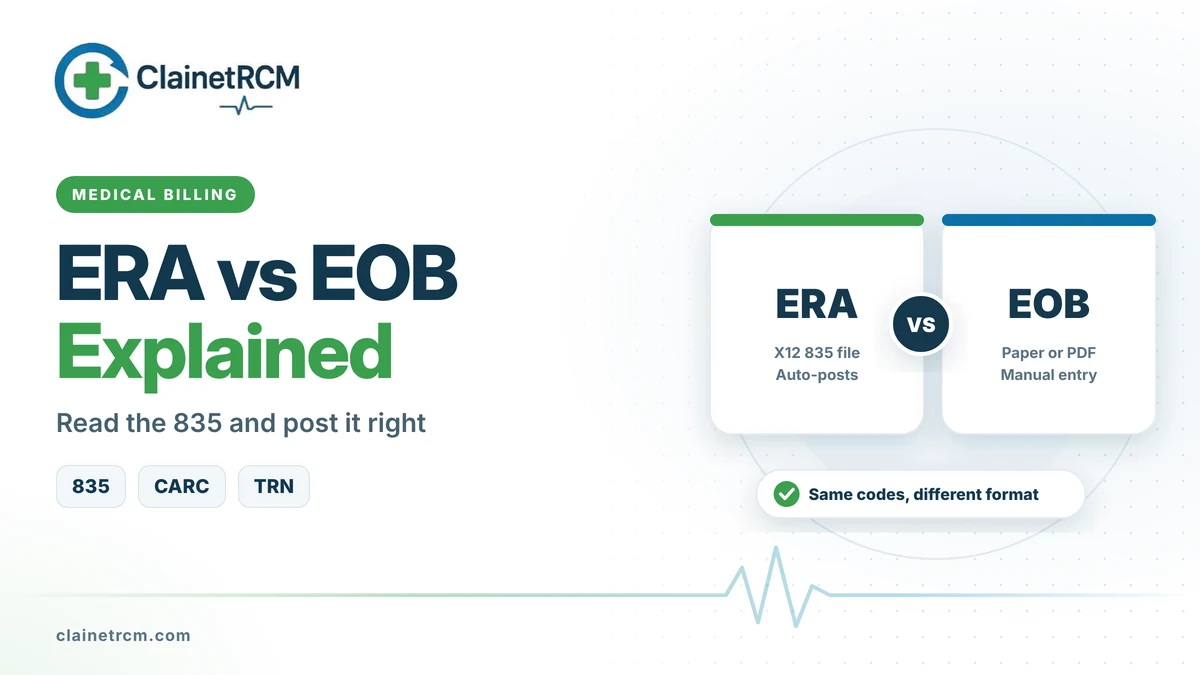
ERA vs EOB comes down to format and audience. Both explain how a payer processed a claim: what it allowed, what it paid, what it adjusted and why. The electronic remittance advice (ERA) is the standard X12 835 file your billing system reads and posts automatically. The explanation of benefits (EOB) is a human-readable paper or PDF document that payers send to providers who are not on ERA, and that plans send to patients about their own claims. Medicare uses its own names: a remittance advice for providers and a Medicare Summary Notice for beneficiaries.
Quick answer: Use ERAs wherever payers offer them. An ERA carries the same payment and adjustment details as a paper EOB, but in structured fields that post into your system in seconds and link to the matching electronic funds transfer through a trace number. Keep paper EOBs only for payers that cannot send an 835, and scan them so they can be posted and found later.
ERA vs EOB at a Glance
| Feature | ERA | EOB |
|---|---|---|
| Format | X12 835 electronic file | Paper or PDF document |
| Who receives it | The provider, usually through a clearinghouse | Providers not on ERA, and patients for their own claims |
| Link to payment | Matches the EFT through the TRN reassociation trace number | Usually arrives with a paper check or virtual card |
| Posting | Auto-posting into the practice management system | Manual entry |
| Codes | Group codes, CARCs and RARCs in fixed fields | Same codes, often mixed with payer-specific messages |
| Speed | Arrives within days of the payment | Depends on mail |
What an 835 File Shows
An 835 is organized in segments. You rarely read the raw file, but knowing the segments helps you understand what your posting screen shows.
- BPR: The total payment, payment method and payment date.
- TRN: The reassociation trace number, which is the check or EFT number used to match the remittance to the deposit.
- N1 loops: The payer and the payee.
- CLP: Claim-level details: your patient account number, claim status, billed amount, paid amount, patient responsibility and the payer’s claim control number. Status 1 means processed as primary, 2 processed as secondary, 4 denied and 22 a reversal of a previous payment.
- SVC: Service-line details: procedure code and modifiers, billed amount, paid amount and units.
- CAS: Adjustments, each with a group code, a claim adjustment reason code (CARC) and an amount.
- LQ: Remittance advice remark codes (RARCs) that add detail at the service line. Claim-level remarks appear in the MOA or MIA segments.
- PLB: Provider-level adjustments that are not tied to one claim, such as overpayment recoveries, interest and forwarding balances.
How to Read Adjustment Codes
Every adjustment pairs a group code with a reason code. The group code tells you who is responsible for the amount, and the CARC tells you why.
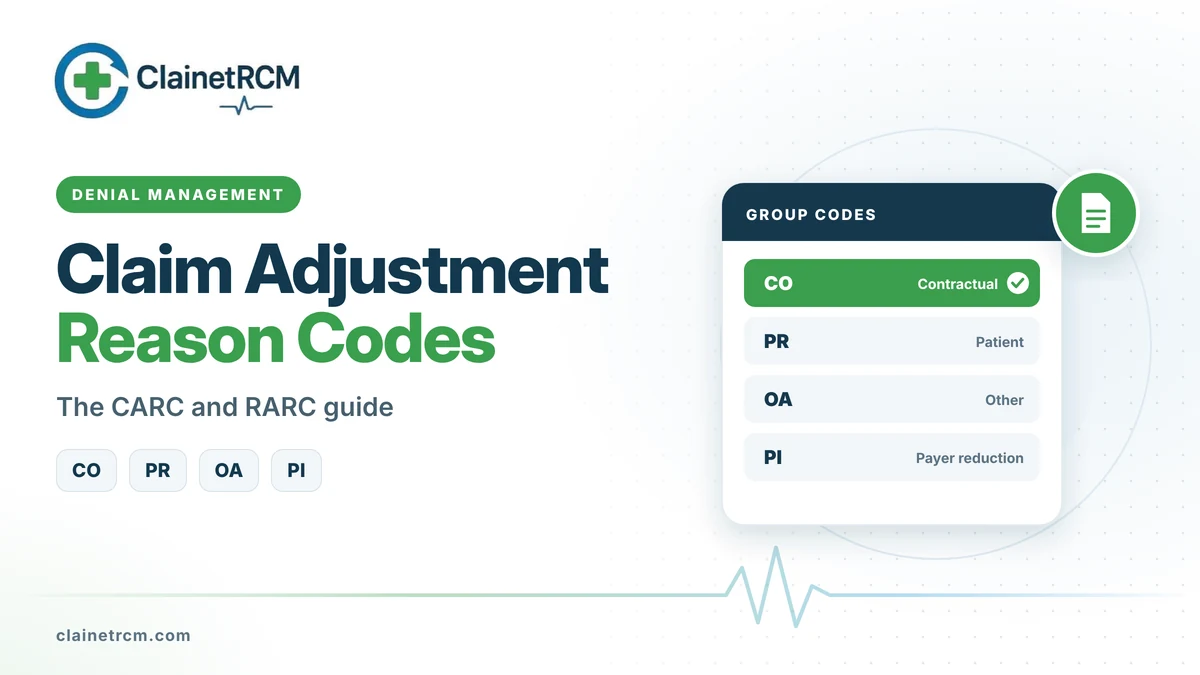
- CO (Contractual Obligation): You agreed to this reduction by contract or regulation. Write it off; do not bill the patient.
- PR (Patient Responsibility): The patient owes this amount, such as a deductible, coinsurance or copay.
- OA (Other Adjustment): Used when neither CO nor PR applies, for example the effect of a prior payer’s payment.
- PI (Payer Initiated Reduction): The payer believes the patient is not responsible, but no contract supports the reduction.
A fifth group code, CR (Corrections and Reversals), is not used in the 5010 version of the 835 that payers send today.
| Code combination | What it means | Typical posting action |
|---|---|---|
| CO-45 | Charge exceeds the fee schedule or contracted rate | Contractual write-off |
| PR-1 | Deductible | Transfer to patient balance |
| PR-2 | Coinsurance | Transfer to patient balance |
| PR-3 | Copay | Transfer to patient balance |
| OA-23 | Impact of the prior payer’s adjudication | Adjust and close, or bill the next payer |
| CO-97 | Service included in another service | Review for a modifier or appeal |
| CO-16 with a RARC | Claim lacks information needed to process it | Correct and resubmit |
Do the math on every line. The billed amount minus all adjustments should equal the paid amount. If it does not, something posted incorrectly or the payer made an error.
EFT and ERA Reassociation
Electronic payments arrive through the ACH network in a CCD+ format. The addenda record carries the same TRN reassociation trace number that appears in the matching 835, which is how your system ties the deposit to the remittance. Under the CAQH CORE operating rules adopted under HIPAA, health plans must release the ERA no sooner than three business days before and no later than three business days after the EFT effective date. If either one is more than four business days late, treat it as late or missing and contact the payer or your bank.
Ask your bank to deliver the full CCD+ addenda for health care payments. Without it, your posting team has to match deposits by hand.
Medicare ERAs and Payments
Medicare pays by EFT, set up through Form CMS-588 with your MAC, and sends remittances as 835 files through your clearinghouse or the MAC’s network service vendor. To view or print an 835 in a readable format, Medicare offers free software: Medicare Remit Easy Print for Part B professionals and suppliers, and PC Print for Part A institutional providers.
Auto-Posting Tips
- Enroll for ERA and EFT with every payer that offers them, through your MAC for Medicare and through payer portals or your clearinghouse for commercial plans.
- Map codes to posting rules. Let CO-45 write off automatically, move PR amounts to the patient and send zero-pay lines to a work queue.
- Never auto-write-off denials. Medical necessity, authorization and timely filing denials need human review and possibly an appeal.
- Post PLB adjustments to the right account. Overpayment recoveries, often coded WO, interest, often coded L6, and forwarding balances, coded FB, all change what you actually received.
- Reconcile daily. Total ERA payments should match bank deposits by trace number.
- Bill secondary payers promptly. After posting the primary payment, send the secondary claim with the primary’s adjudication details.
- Audit a sample of auto-posted remittances each month to catch mapping errors early.
Common ERA and EOB Mistakes
- Treating a PR amount as a write-off, which loses patient revenue.
- Treating CO-45 as a denial, which wastes follow-up time.
- Missing a claim reversal (status 22) and posting the same payment twice.
- Ignoring RARCs, which often explain exactly what to fix.
- Posting interest as a claim payment, which distorts collection reports.
Frequently Asked Questions
Yes. ERA is the common name, and the 835 is the HIPAA standard transaction that carries it.
Only for payers that do not send ERAs, and for secondary claims to payers that ask for a copy of the primary’s EOB. Patients still receive their own EOBs from their plans.
Common causes are PLB recoveries or interest, two remittances paid in one deposit, or an ERA that has not arrived yet. Match by TRN trace number and check the PLB segment.
CO stands for Contractual Obligation. The amount is a reduction you agreed to by contract or that regulation requires, and you cannot bill the patient for it.
A provider-level adjustment that changes the total payment without belonging to a single claim, such as an overpayment recovery, interest or a forwarding balance.
Complete your MAC’s ERA enrollment form, set up EFT with Form CMS-588 if you have not already, and connect through a clearinghouse or the MAC’s network service vendor.
Final Thoughts
The ERA vs EOB question has a clear answer for most practices: move every payer you can to ERA and EFT, map your adjustment codes carefully and reconcile deposits daily. The time you save on manual entry can go to the denials and underpayments that the remittance reveals. If posting is falling behind, our medical billing services can take it over. To understand what happens after posting, read our guide on post-payment medical billing.
Post Payments Faster and Catch Every Underpayment
Our payment posting team reconciles ERAs to deposits daily, routes denials for follow-up and flags short payments against your contracts.
Get Payment Posting Help
Written by
ClainetRCM Billing Team
ClainetRCM is a Boston-based revenue cycle management company specializing in medical billing, coding, credentialing and denial management for healthcare providers across all 50 states. Our AAPC and AHIMA certified team works inside your existing EHR, files claims within 24 to 48 hours and reviews every AR bucket on a 14-day cycle.