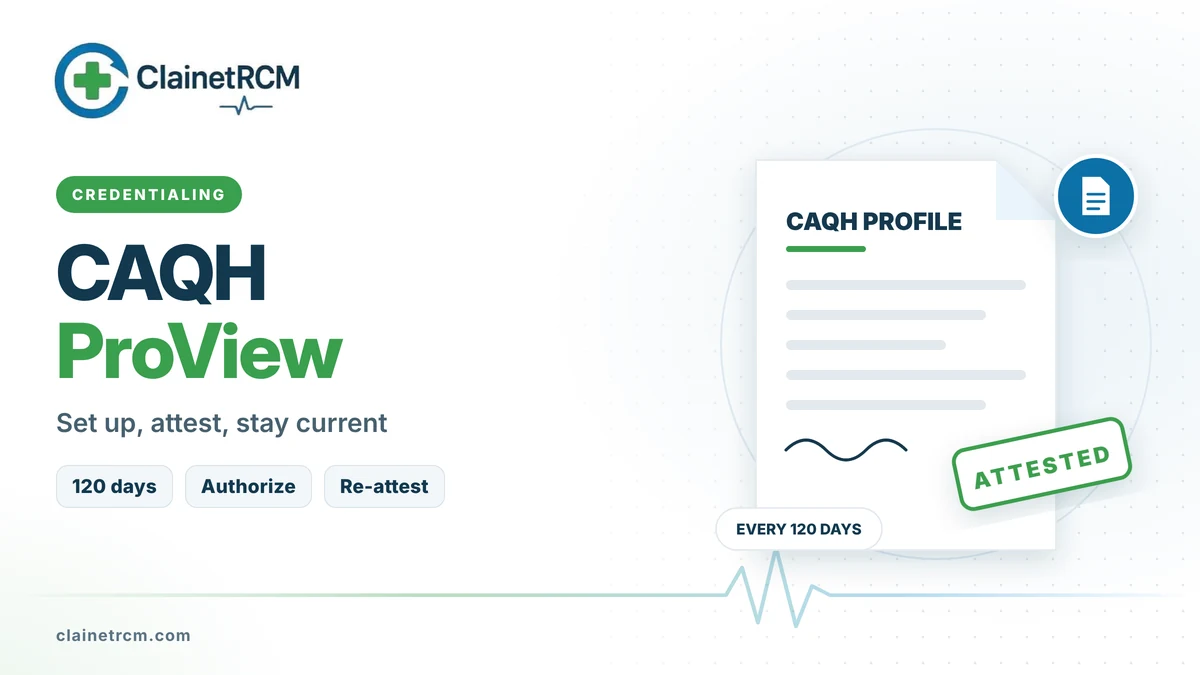
CAQH ProView is the online profile most commercial health plans use to collect a provider’s credentialing information. Instead of completing a separate application for every payer, you enter your education, licenses, practice locations, malpractice coverage and history once, attest that it is accurate, and authorize each plan to view it. A complete, current profile is one of the biggest factors in how fast payer credentialing moves.
Quick answer: Register at proview.caqh.org (or use the CAQH ID a payer sends you), complete every section, upload your supporting documents, authorize the health plans you are applying to, and attest. Then re-attest at least every 120 days (every 180 days in Illinois) and upload renewed documents as they come in. In June 2026 CAQH rebranded as DataSpring, powered by CAQH, and ProView is now labeled the CAQH Provider Data Portal. The login, web address, profile data and attestation schedule did not change, and the portal is still free for providers.
What CAQH ProView Is and Who Uses It
CAQH ProView is a shared credentialing database. More than 1,000 health plans and healthcare organizations ask their network providers to use it, which is why nearly every new provider is asked for a CAQH ID early in onboarding. Commercial plans, many Medicaid managed care plans and most Medicare Advantage plans pull credentialing data from it.
Original Medicare does not use CAQH. Medicare enrollment happens in PECOS, and state Medicaid programs usually have their own enrollment portals. CAQH supports those processes indirectly, because the same data should match across every system.
How to Set Up Your CAQH ProView Profile
- Get a CAQH ID. A participating health plan can initiate one for you, or you can self-register on the portal.
- Gather documents first. It is much faster to complete the profile in one or two sittings with everything at hand.
- Complete every section. Use the table below as a checklist.
- Upload supporting documents. Typical uploads include your state license, DEA and state controlled substance registrations, board certification, malpractice insurance face sheet and CV.
- Authorize health plans. Choose global authorization (all participating plans) or select specific plans. A plan you have not authorized cannot see your profile.
- Attest. Review the profile, confirm it is accurate and attest. The attestation date starts your 120-day clock.
| Section | What to enter | Common error |
|---|---|---|
| Personal information | Legal name, other names used, NPI, birth details | Name differs from the license or NPPES |
| Education and training | Schools, residency and fellowship with dates | Missing months or incomplete dates |
| Specialties and certification | Primary and secondary specialties, board status | Expired board certificate on file |
| Practice locations | Address, phone, office hours, group NPI and TIN | Missing hours or a TIN that does not match the group |
| Hospital affiliations | Admitting privileges or admitting arrangements | No arrangement listed for an office-only provider |
| Professional liability | Carrier, policy number, limits and dates | Policy dates already expired |
| Work history | Employment history with start and end dates | Gaps of six months or more without an explanation |
| Disclosure questions | Licensure actions, malpractice claims, sanctions | “Yes” answers without a full explanation |
The 120-Day Re-Attestation Cycle
CAQH requires providers to re-attest at least every 120 days, or every 180 days in Illinois, even if nothing changed. If the window passes, the profile shows as expired and health plans can no longer rely on it. In-process applications stall, and recredentialing can fail.
- Set reminders at 90 and 110 days. CAQH sends emails, but they are easy to miss in a busy inbox.
- Re-attest after every update. Changing a location or uploading a new document prompts a fresh attestation that resets the clock.
- Put one person in charge. Shared responsibility is how attestations lapse.
Fixing Incomplete and Expired Profiles
| Problem | What the payer sees | Fix |
|---|---|---|
| Attestation lapsed | Expired profile | Log in, review every section and re-attest |
| Document expired | Missing or outdated license or insurance | Upload the renewed document, then re-attest |
| Plan not authorized | No access to your data | Authorize the plan or switch to global authorization |
| Data mismatch | Address or TIN differs from the application | Align CAQH with NPPES, PECOS and the payer roster |
| Incomplete section | Profile flagged as incomplete | Complete every required field the portal flags |
| Unexplained gaps | Credentialing follow-up questions | Add a written explanation for each gap |
Best Practices for Practices With Multiple Providers
- Use practice manager access. With each provider’s permission, office staff can maintain multiple profiles from one account.
- Track expirations. Licenses, DEA registrations, board certifications and malpractice policies all renew on different dates. Upload each renewal the week it arrives.
- Keep one source of truth. The same name, addresses, TIN and NPIs should appear in CAQH, NPPES, PECOS and every payer roster.
- Audit quarterly. A 15-minute review per provider catches problems before a payer does.
Frequently Asked Questions
Yes. Health plans fund the system, and the portal remains free for clinicians after the DataSpring rebrand.
At least every 120 days, or every 180 days if you practice in Illinois. Re-attest even if nothing in your profile changed.
In June 2026 CAQH became DataSpring, powered by CAQH, and the provider tool is now called the CAQH Provider Data Portal. It is the same system at the same address with the same login.
Original Medicare does not. Medicare enrollment is done in PECOS. Medicare Advantage plans, however, commonly use CAQH for credentialing.
Authorize the plan in the portal’s authorization section, either individually or with global authorization for all participating plans.
Health plans cannot use it until you re-attest. Pending applications pause, and recredentialing can be delayed or denied.
Final Thoughts
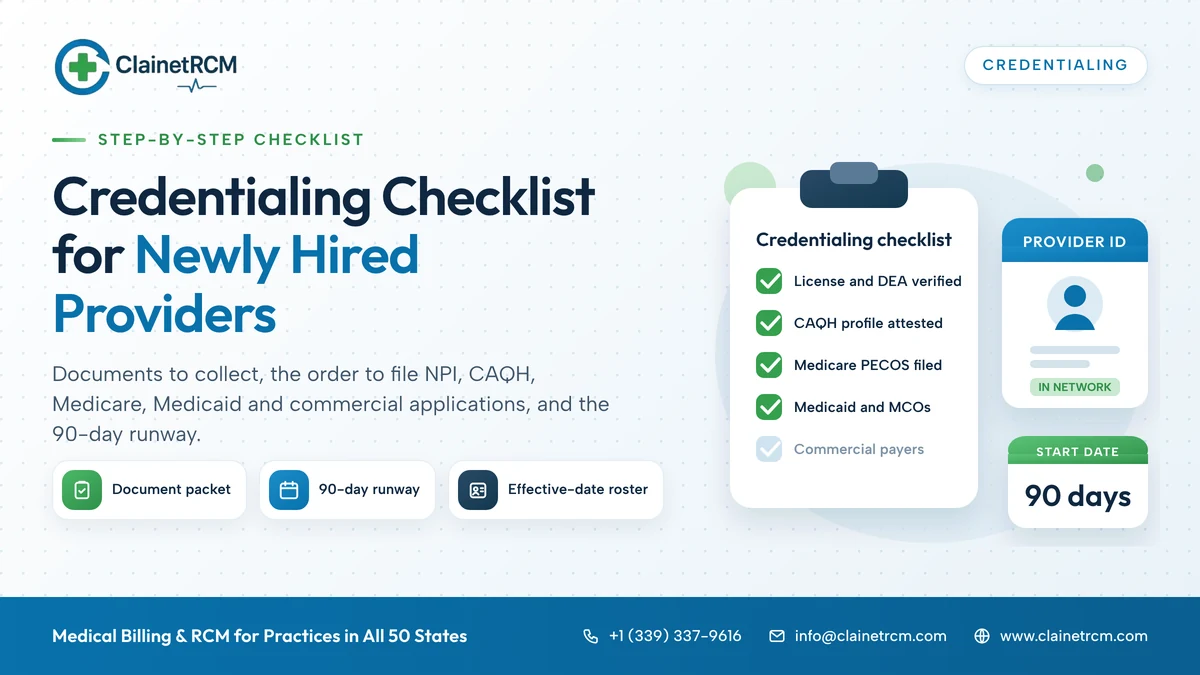
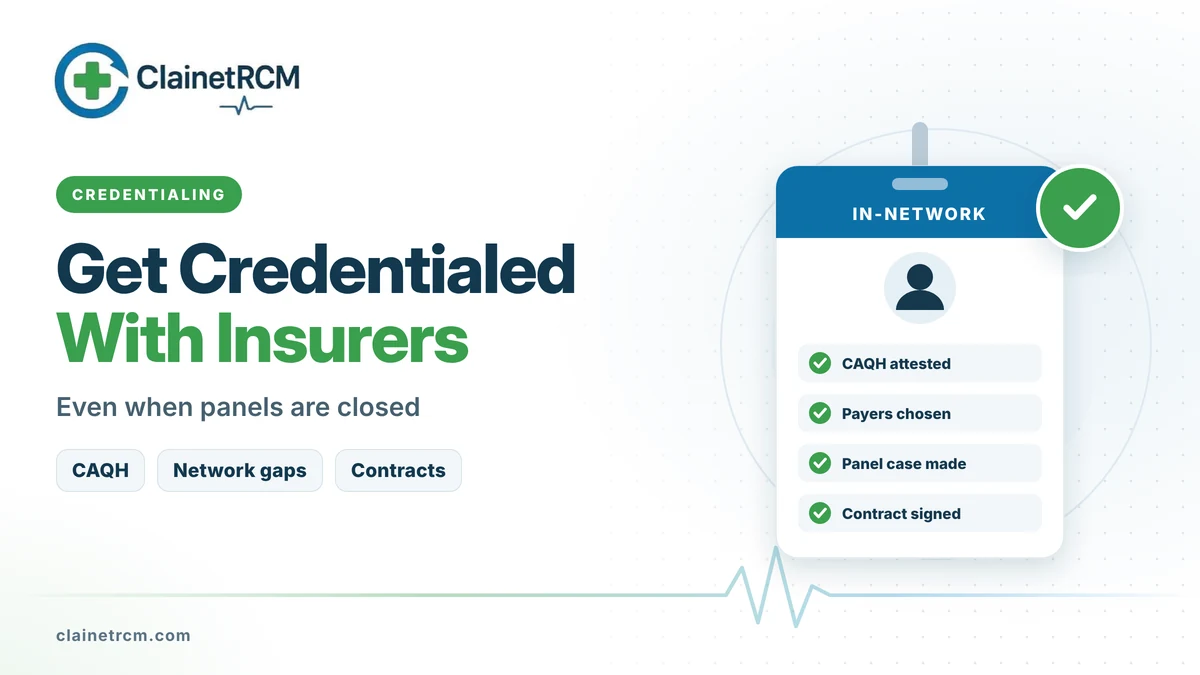
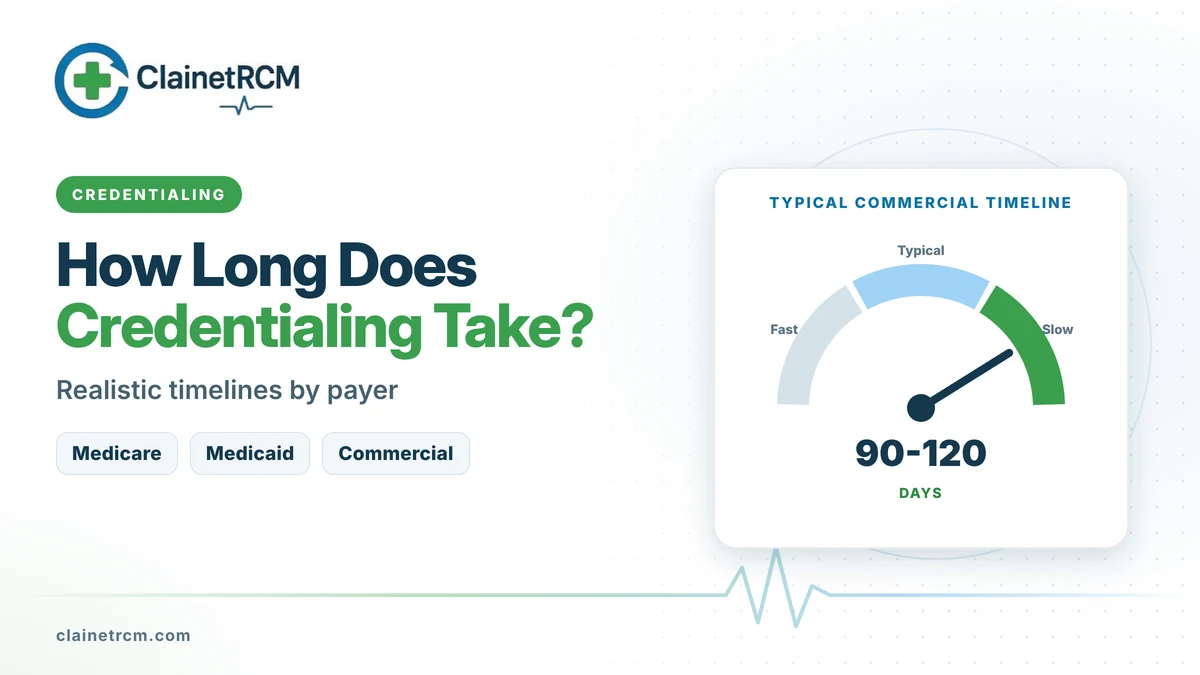
CAQH ProView is not a one-time form. It is a living record that payers check again and again, and the providers who keep it complete and attested get credentialed faster. Start with our credentialing checklist for new providers, then see how to get credentialed with insurance companies and how long credentialing takes. If you would rather not track attestations yourself, our credentialing services team maintains CAQH profiles for practices of every size.
Keep Every CAQH Profile Complete and Attested
We build and maintain CAQH profiles for your providers, track document expirations and re-attest on schedule so payer applications never stall.
Get CAQH Help
Written by
ClainetRCM Billing Team
ClainetRCM is a Boston-based revenue cycle management company specializing in medical billing, coding, credentialing and denial management for healthcare providers across all 50 states. Our AAPC and AHIMA certified team works inside your existing EHR, files claims within 24 to 48 hours and reviews every AR bucket on a 14-day cycle.