A medical billing system is the software and the connections that turn a patient visit into a paid claim: registration and eligibility, charge capture, coding, claim creation, clearinghouse submission, remittance posting, patient statements and reporting. Practices usually inherit one with their EHR, and many never ask whether it fits the way they bill.
This guide explains the types of medical billing systems you will encounter, from the closed, open and isolated classification that most articles use to the distinctions that actually change your cash flow: integrated or standalone, cloud or on-premise, in-house or outsourced, and how the system connects to clearinghouses and payers. It ends with a checklist for choosing the right one for your practice.
Last updated: October 2026
Key takeaways
- The "closed, open and isolated" labels describe how freely a system shares records with outside providers. They are a useful shorthand, not an official standard, and most modern practices run an open system.
- The distinctions that change your revenue are different: whether billing is integrated with the EHR, whether the system is cloud or on-premise, and how well it connects to clearinghouses and payers.
- Every billing system ultimately speaks the same language: HIPAA standard transactions such as the 837 claim, 835 remittance, 270/271 eligibility and 276/277 claim status. How well your system automates them decides how much manual work you pay for.
- Cloud systems now dominate the market, and the proposed HIPAA Security Rule update (encryption, multifactor authentication, 72-hour recovery) favors vendor-managed platforms for small practices.
- The right system is the one your billing team can work efficiently inside. A good billing partner works in your existing system rather than making you switch.
The Three Types Most Articles Describe: Closed, Open and Isolated
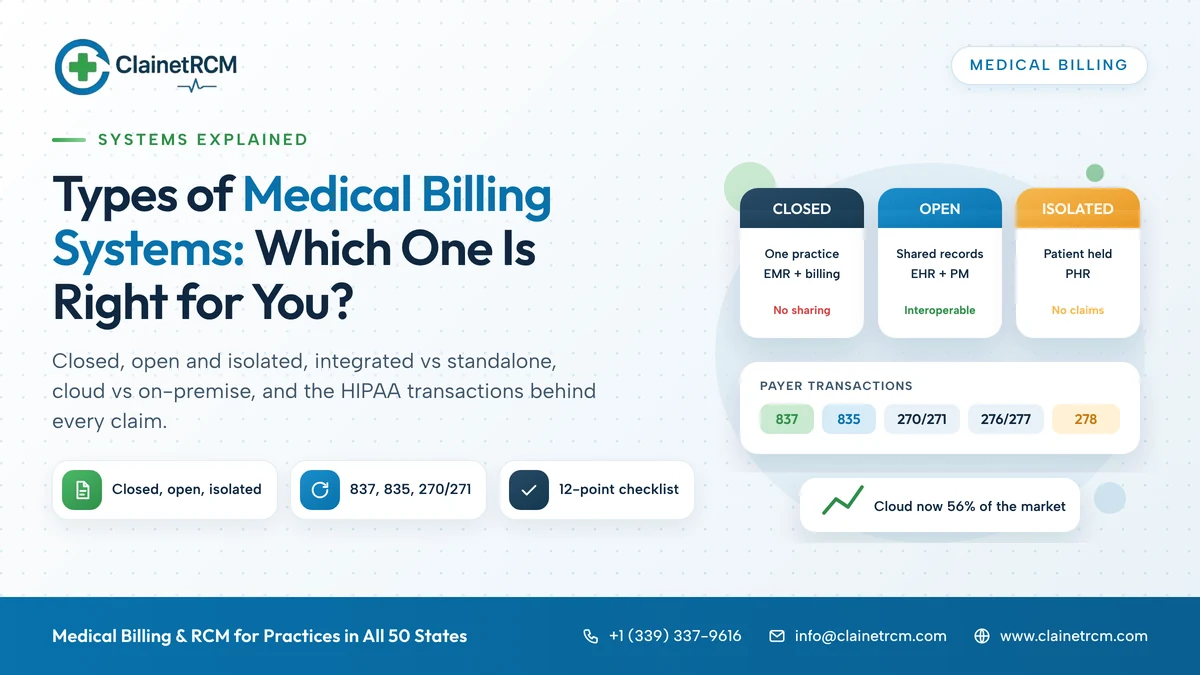
Search for "types of medical billing systems" and you will find the same three categories everywhere. They come from industry usage rather than from a regulator or standards body, but they are worth understanding because they describe how a system treats patient records.
| Type | What it means | Typical example | Strengths | Limits |
|---|---|---|---|---|
| Closed | Records stay inside one practice; the billing system does not share data with outside providers or payers beyond claims | A single practice using an electronic medical record (EMR) with its own billing module | Simple, tightly controlled, inexpensive | No interoperability; referrals, care coordination and outside records are manual |
| Open | Records and billing data move between the practice, other providers, labs, payers and patients | An electronic health record (EHR) with an integrated practice management system, patient portal and clearinghouse connections | Supports referrals, shared care, value-based reporting and automated eligibility and remittance | More complex; security and access controls matter more |
| Isolated | The patient holds the record; the system is a personal health record (PHR) maintained by the patient | Patient-managed health apps and records | Patient engagement and portability | Not a billing system; cannot be used to submit claims |
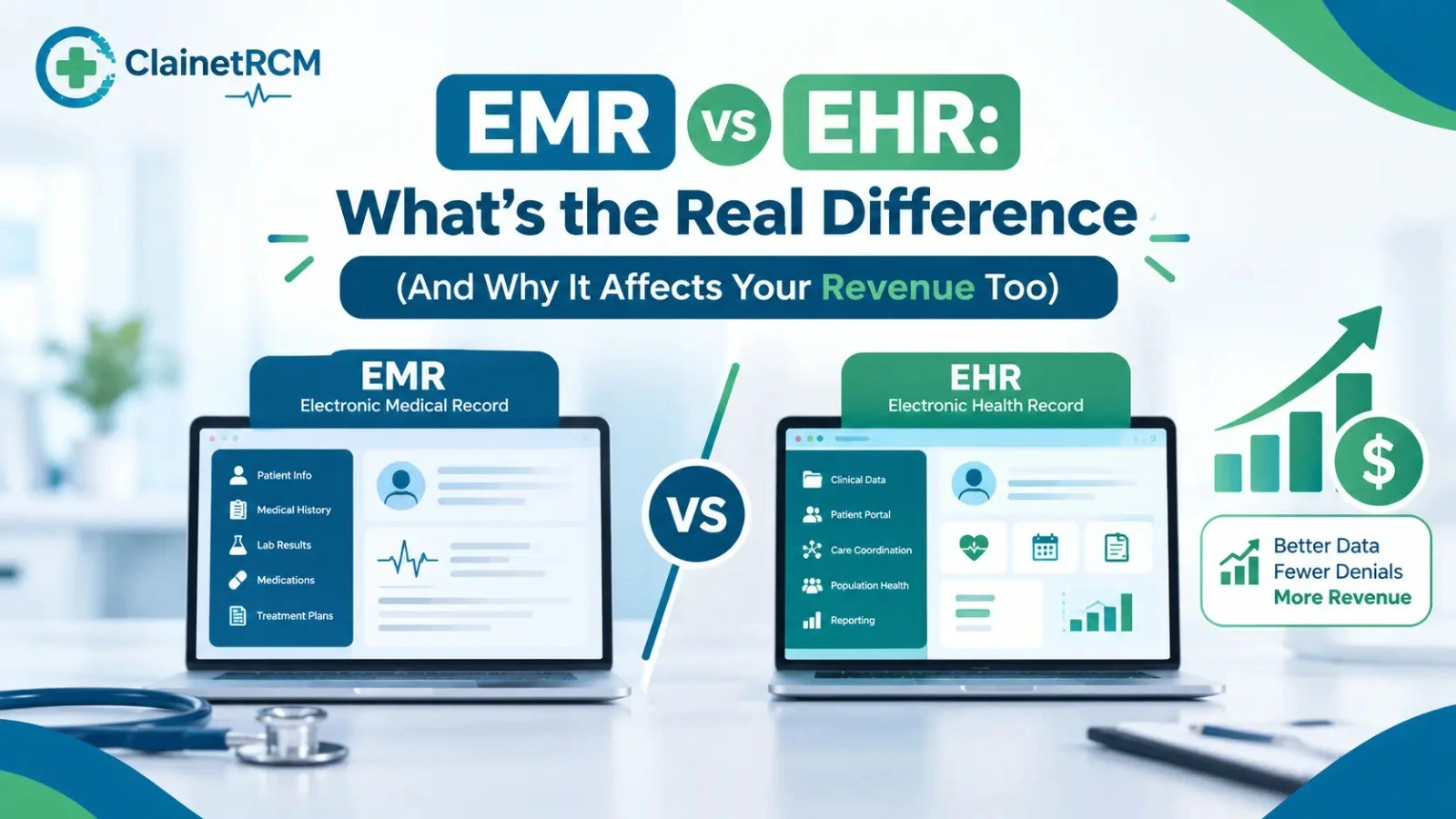
The Office of the National Coordinator for Health IT draws the underlying line clearly: an EMR is "a digital version of the paper chart" in one clinic, an EHR "follows the patient" across providers, and a PHR is set up and managed by the patient. Our guide to the difference between EMR and EHR explains why that distinction affects revenue as well as records.
In practice, almost every practice that bills insurance runs an open system, because claims, eligibility checks and remittances are themselves data exchanges. The real choices sit elsewhere.
Integrated vs Standalone Billing Systems
This is the distinction that most affects daily work.
Integrated EHR and practice management
One vendor supplies the clinical record and the billing engine. The encounter note, the diagnosis and procedure codes, the charge and the claim share one database. Advantages: charges flow from the note without re-keying, eligibility results appear in the schedule, and reporting covers the whole visit. Disadvantages: you are tied to one vendor's billing quality, and switching either half means switching both.
Standalone practice management system
A separate billing system receives charges from the EHR through an interface or a superbill. Advantages: you can pick the best billing engine for your specialty and change it without replacing the clinical record. Disadvantages: the interface is a point of failure, and charges can be lost or duplicated between systems. Our explainer on what a superbill is describes the document that still bridges many of these handoffs.
Either model can work. What matters is that charges are captured completely, coded correctly and submitted within 24 to 48 hours, and that someone reconciles what the EHR says was done against what the billing system says was billed.
Cloud vs On-Premise Systems
| Factor | Cloud (vendor-hosted, subscription) | On-premise (your server, licensed) |
|---|---|---|
| Upfront cost | Low; monthly or per-provider subscription | High; servers, licenses, installation |
| Maintenance and updates | Vendor applies code-set and payer updates automatically | Your IT staff or contractor applies updates; delays are common |
| Security and backups | Vendor responsibility under the business associate agreement; encrypted, off-site backups | Your responsibility; most small practices under-invest here |
| Access | Any location with internet; supports remote billers and multi-site practices | Office network; remote access needs VPN |
| Downtime risk | Internet or vendor outage | Hardware failure, ransomware, local disasters |
| Control and customization | Limited to vendor options | Full control of data location and configuration |
| Best for | Most independent practices and groups | Large organizations with dedicated IT and specific data-residency needs |
Cloud-based systems are now the majority of the medical billing software market; Fortune Business Insights estimates the cloud segment at roughly 56 percent of a global market it sizes at $20.25 billion in 2025. The regulatory direction points the same way. HHS proposed an update to the HIPAA Security Rule in January 2025 that would require encryption of electronic protected health information at rest and in transit, multifactor authentication, a technology asset inventory, and written procedures to restore systems within 72 hours. The rule is still a proposal as of this writing, but a small practice running its own server would carry every one of those obligations alone.
How Every Billing System Talks to Payers
Whatever system you run, claims leave it in standard formats defined under HIPAA. Knowing the transaction names helps you read clearinghouse reports and ask vendors the right questions.
| Transaction | What it does | Why it matters to you |
|---|---|---|
| 837P / 837I / 837D | Professional, institutional and dental claims | The electronic CMS-1500, UB-04 and dental claim; the format your system must produce cleanly |
| 835 | Electronic remittance advice | Automated payment posting and denial codes; manual posting without it is where underpayments hide |
| 270 / 271 | Eligibility inquiry and response | Real-time coverage checks before the visit; prevents the most common denials |
| 276 / 277 | Claim status inquiry and response | Lets the system track unpaid claims without phone calls; the 277CA acknowledges a claim entered the payer's system |
| 278 | Prior authorization request and response | Electronic authorization where payers support it |
| 999 | Functional acknowledgment | Confirms the file structure was accepted, not that the claim was |
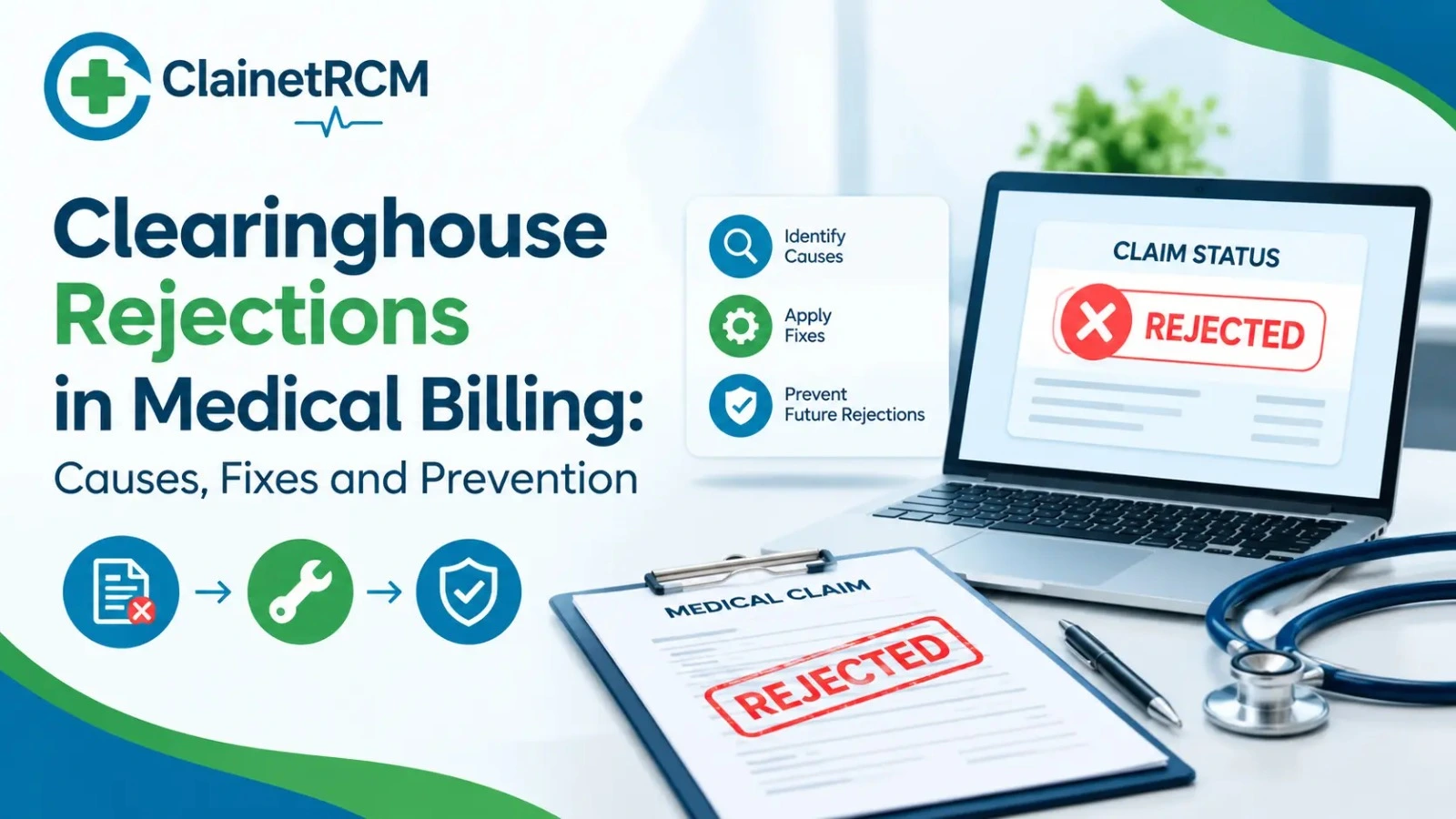
A clearinghouse sits between your system and the payers, validating claims against payer rules, routing them and returning acknowledgments and remittances. A good billing system automates all of these transactions; a weak one leaves staff keying eligibility checks and posting paper EOBs. The 2025 CAQH Index estimated that electronic transactions saved the healthcare system $258 billion in 2024 and that $21 billion more could be saved by automating what is still done manually. Our guide to clearinghouse rejections explains how to read the 999 and 277CA reports your system receives.
In-House, Outsourced or Hybrid: Who Runs the System
The system is only half of the billing operation. The other half is the people working inside it, and that is a separate decision.
- In-house: your staff run the system end to end. Works when the team is experienced, stable and sized to the volume.
- Outsourced: a billing company works your claims, usually inside your existing system. The practice keeps its software and data; the vendor supplies people, process and reporting. ClainetRCM works inside most major EHR and practice management platforms for exactly this reason: a system change is never required to change who runs the billing.
- Hybrid: the practice keeps front-desk functions and charge entry; the vendor takes denials, A/R follow-up or coding.
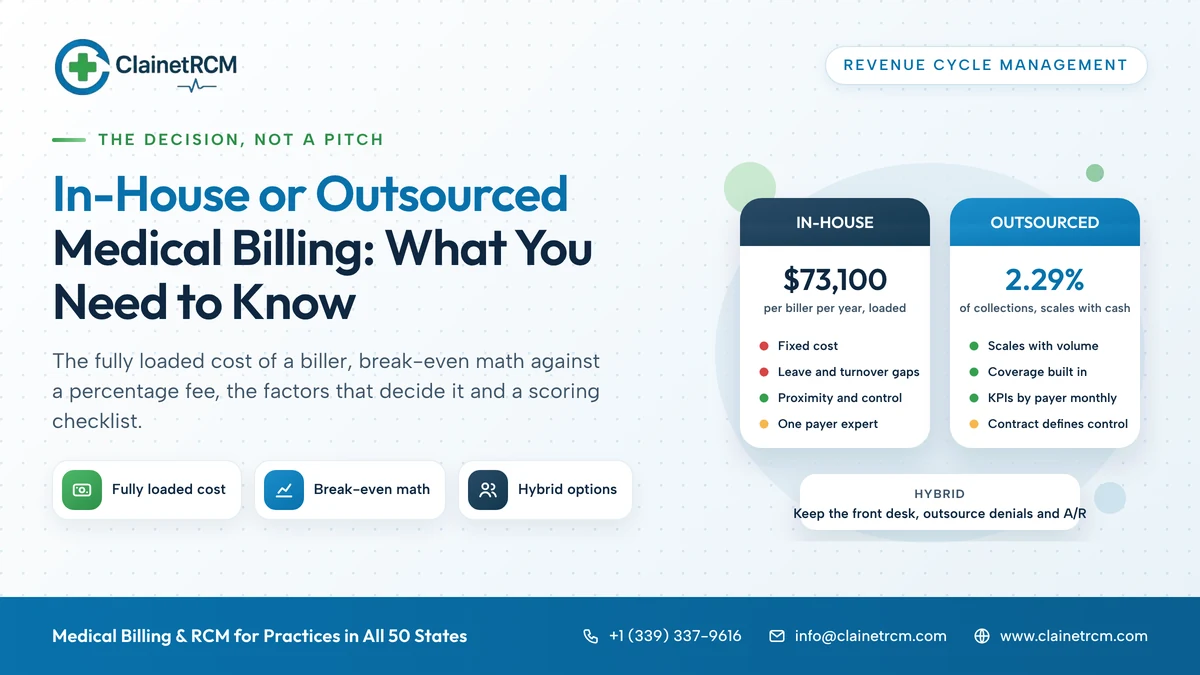
Our guide to in-house vs outsourced medical billing works through that decision in detail.
Specialty and Setting Change the Requirements
Not every billing system handles every setting well. Before you choose, match the system to the claims you actually submit.
| Setting | What the system must handle |
|---|---|
| Physician practice | 837P claims, E/M and procedure coding, modifier logic, NCCI edits, patient statements |
| Hospital or facility | 837I claims with revenue codes and bill types, chargemaster maintenance, DRG or APC grouping |
| Behavioral health | Time-based codes, authorization tracking by visit count, state Medicaid and managed care rules |
| Therapy (PT, OT, SLP) | Unit rules such as the Medicare 8-minute rule, plan-of-care tracking, KX modifier thresholds |
| Dental | 837D claims, CDT codes, dual medical and dental billing for oral surgery |
| Home health and hospice | OASIS-linked billing, notices of admission, episode-based claims |
| Labs and imaging | Order-based charge capture, CLIA and referring provider data, high-volume low-dollar claims |
A multi-specialty group needs a system that does several of these well, or a billing partner whose teams are matched by specialty. The ClainetRCM specialty pages describe the code families and payer rules each specialty team works with.
How to Choose: A 12-Point Checklist
- Does the system produce clean 837P (and 837I or 837D if needed) claims for your specialty, with NCCI and payer edits built in?
- Does it run real-time 270/271 eligibility checks from the schedule?
- Does it auto-post 835 remittances and flag contract underpayments?
- Does it track claim status with 276/277 rather than phone calls?
- Is it integrated with your EHR, or does it have a reliable, reconciled interface?
- Is it cloud-hosted with encryption, multifactor authentication, audit logs and tested backups, under a signed business associate agreement?
- Does it support your clearinghouse of choice, and can you switch clearinghouses if one fails?
- Can it produce the KPI reports you need: net collection rate, days in A/R, denial rate by payer, A/R aging?
- Does it handle your specialty's unit rules, authorizations and modifiers?
- What does it cost per provider per month, including clearinghouse fees, statements and support?
- Who owns the data, and how do you export it if you leave?
- Will your billing team, in-house or outsourced, work efficiently inside it?
If you are also evaluating billing companies, our guide to choosing medical billing and coding services covers the people side of the same decision. If the practice needs help running the system day to day, practice management services cover front-office and back-office operations inside the software you already use.
Common Mistakes When Choosing a Billing System
- Choosing on the EHR demo alone. The clinical side gets evaluated; the billing side gets assumed. Ask to see the claim workflow, the denial queue and the reports.
- Ignoring the clearinghouse. Some systems lock you into one clearinghouse with per-claim fees and no fallback.
- Migrating billing and billing staff at the same time. Change one thing at a time; a new system and a new team together double the risk.
- Skipping the data export clause. Years of claim history can be hard to retrieve from a vendor you have left.
- Assuming automation replaces follow-up. The system submits and posts; someone still has to work the denials and the aging.
Keep Your System. Change the Results.
ClainetRCM works inside your existing EHR and practice management platform, from eligibility checks through final payment, with KPIs by payer every month. No software change, no setup fee, pricing from 2.29 percent of collections.
Request a Free Revenue AuditFrequently Asked Questions
Industry usage groups them as closed, open and isolated. A closed system keeps records inside one practice, typically an EMR with its own billing module. An open system shares data with other providers, labs, payers and patients, typically an EHR with an integrated practice management system. An isolated system is a patient-controlled personal health record, which is not used to submit claims. The labels are a convention, not an official standard.
An EHR holds the clinical record: notes, orders, results and history. A medical billing system, often called a practice management system, handles scheduling, registration, eligibility, charge capture, claim creation, clearinghouse submission, remittance posting, statements and reporting. Many vendors sell both as one integrated platform; others sell a standalone billing system connected to the EHR by an interface.
For most independent practices, yes. Cloud systems have low upfront cost, vendor-managed updates and security, off-site backups and access from any location, which suits remote billers and multi-site groups. On-premise systems give more control but make the practice responsible for servers, updates, backups and security, obligations that the proposed HIPAA Security Rule update would make more demanding. Large organizations with dedicated IT are the usual exception.
A clearinghouse is an intermediary that receives claims from your billing system, checks them against format and payer rules, converts them to the HIPAA standard 837 format, routes them to each payer and returns acknowledgments (999 and 277CA), claim status (277) and electronic remittances (835). It also typically supports real-time eligibility checks (270/271). A rejected claim at the clearinghouse never reached the payer and must be corrected and resent.
Usually a cloud-based system integrated with your EHR, with built-in claim scrubbing, real-time eligibility, automated remittance posting, clearinghouse flexibility and standard KPI reports, priced per provider per month under a signed business associate agreement. The right choice also depends on your specialty's coding and unit rules and on whether the people who will work in it, in-house or outsourced, can be efficient inside it.
No, and you usually should not. A good billing company works inside your existing EHR and practice management system so your data, history and reporting stay with you and switching vendors later is simple. ClainetRCM works inside most major platforms, including Epic, Cerner, athenahealth, eClinicalWorks, NextGen, Kareo and AdvancedMD.
The 837 (professional, institutional and dental claims), 835 (electronic remittance advice), 270 and 271 (eligibility inquiry and response), 276 and 277 (claim status inquiry and response), 278 (prior authorization) and the 999 functional acknowledgment. These standards are adopted under HIPAA's administrative simplification rules, and the degree to which a system automates them determines how much manual work your staff do.
Pricing is typically per provider per month on a subscription, with clearinghouse fees charged per claim or per provider on top, and additional charges for patient statements, support tiers and interfaces. Market estimates run from a few hundred dollars per provider per month for combined practice management and EHR platforms, but quotes vary widely by vendor and specialty, so compare total monthly cost including clearinghouse and statement fees.
The Bottom Line
The three textbook types of medical billing systems, closed, open and isolated, tell you how a system shares records. The choices that change your revenue are whether billing is integrated with your clinical record, whether it is cloud or on-premise, how fully it automates the standard transactions, and who works inside it. Choose the system that fits your specialty and your team, keep ownership of your data, and remember that the best software still needs disciplined people to turn claims into cash.

Written by
ClainetRCM Billing Team
ClainetRCM is a Boston-based revenue cycle management company specializing in medical billing, coding, credentialing and denial management for healthcare providers across all 50 states. Our AAPC and AHIMA certified team works inside your existing EHR, files claims within 24 to 48 hours and reviews every AR bucket on a 14-day cycle.